Run the setup
What this gets you
A working cluster of one machine: the master, ready to have workers added to it.
Before you start
Signed in to the panel for the first time (see Open the panel and log in).
The steps
-
On your first sign-in the panel shows a welcome screen with a single button: Start master setup. Choose it to start the setup.
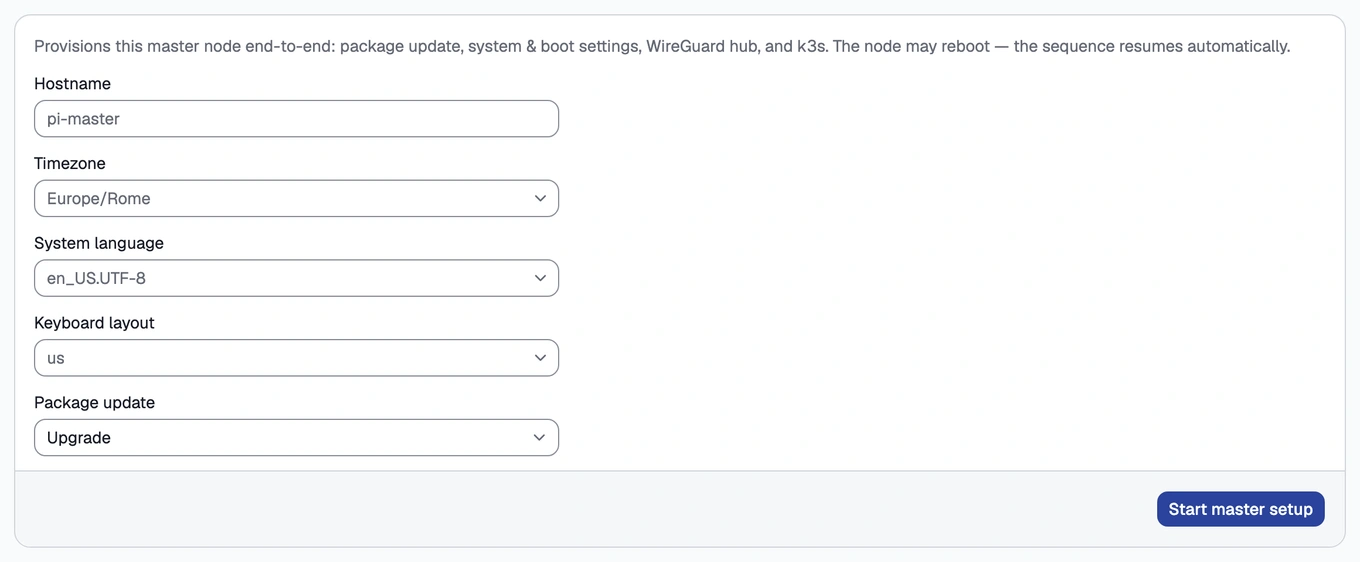
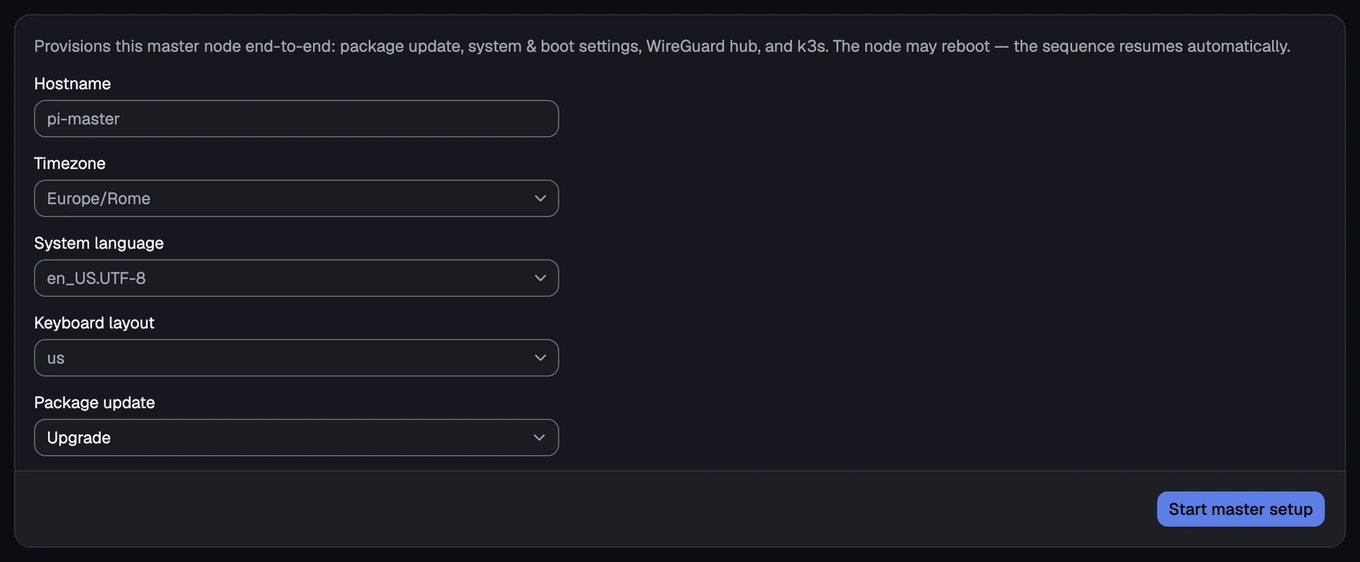
The welcome screen with its single "Start master setup" button -
Watch the setup run through its steps, with live progress for each:
- APT — updates the machine’s software.
- System settings — sets the machine’s name and clock, and the handful of low-level settings the cluster software needs. This step may restart the machine.
- WireGuard hub — turns on the encrypted connection the master will use to talk to every worker you add later.
- k3s server — turns on the cluster itself.
- Headlamp — installs an optional, more technical dashboard, reachable only through the master, for if you ever want to look deeper than the panel shows.


The setup wizard's live progress list, mid-run -
If the restart in step 2 happens, wait for the machine to come back online; the setup resumes on its own, without anything further from you.
Once the panel’s left-hand menu shows Dashboard, Nodes, Storage, Store, Exposure and Cluster, setup has replaced the welcome screen for good. That menu is how you reach every part of the panel from here on.
How you know it worked
The dashboard shows the cluster as ready, with one machine in it, the master itself.
What can go wrong
- Master setup paused after a reboot
See this symptom in Troubleshooting.
What’s next
Continue to Add your first node.