Maintain a node
What this gets you
The day-to-day upkeep of one machine — software updates, a reboot, Raspberry Pi firmware, or a clean shutdown — done safely: the panel moves the node’s workloads elsewhere first and brings them back once the node is ready again.
Before you start
- The node is already part of your cluster.
- If you’re working through several nodes, do the master last: maintaining it briefly takes the panel itself offline (see the caution below).
The steps
-
Open the node’s Maintenance screen from its entry in Nodes.
-
Read its health signals and check for a pending-reboot banner. A patch that needs a reboot to fully apply shows here until you reboot.
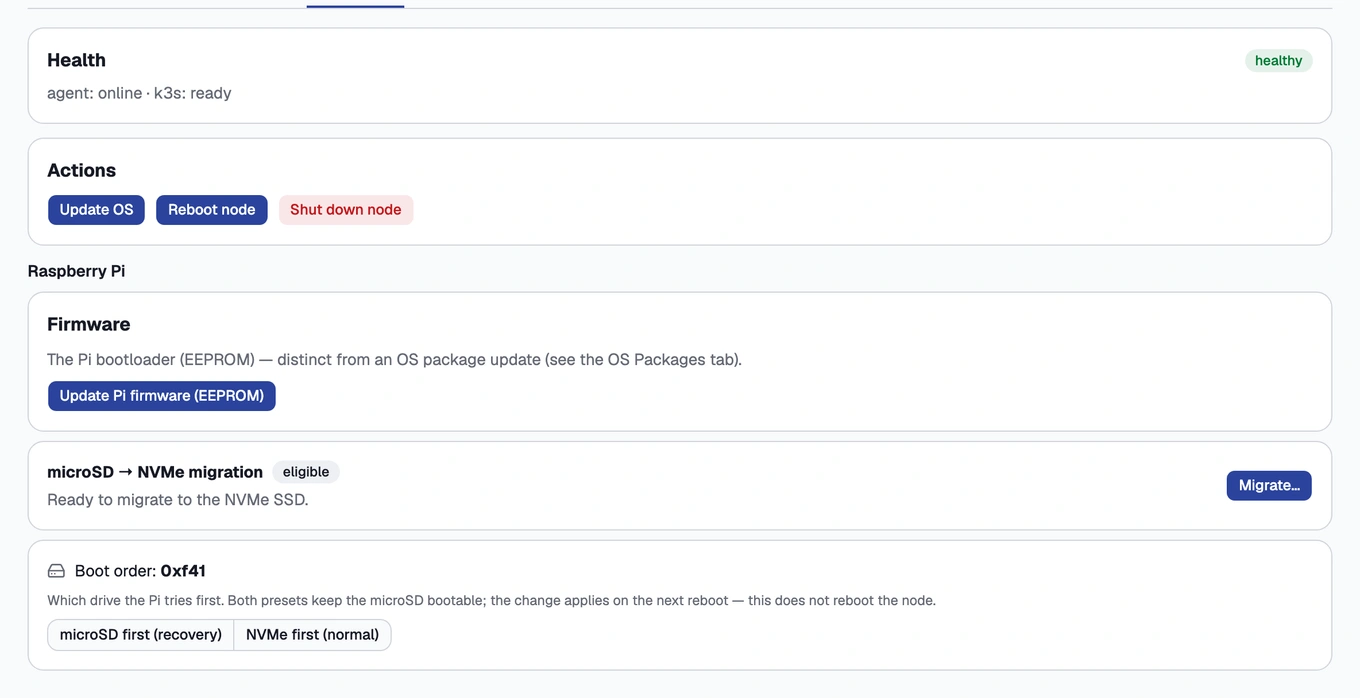
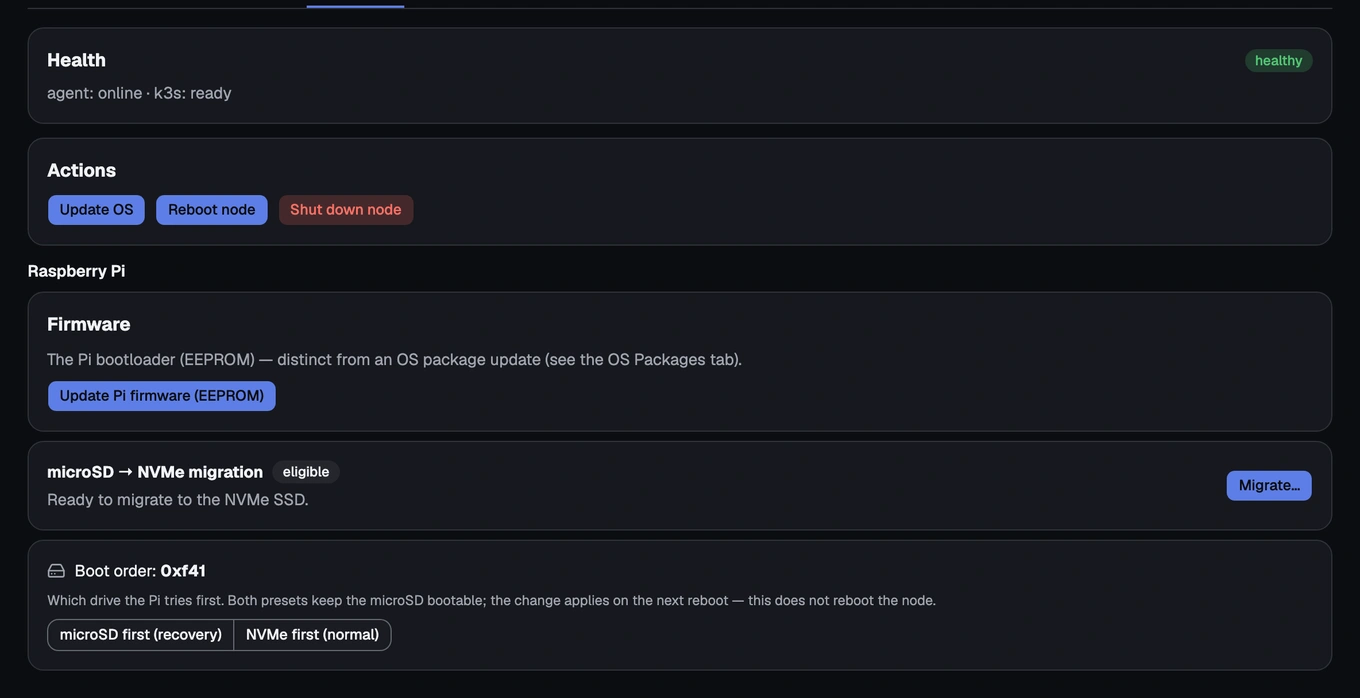
A node's Maintenance screen, showing its health signals and available actions -
Update OS, when you want to apply the latest software packages. The panel streams the update log and reports afterwards whether a reboot is needed to finish applying it.
-
Reboot node, to apply a pending update or simply restart it. The screen tracks the outage and returns on its own once the node is back; you can close the panel and come back later.
-
Update firmware (Raspberry Pi only), to bring the bootloader up to date. The node reboots as part of this action.
-
Shut down node, only when you mean to power the machine off (moving it, swapping a disk).
Each action runs on its own. Do the one you need, not all of them in sequence. Behind every one of them, the panel takes the node out of rotation first, performs the action, then returns it to service once it’s healthy again; you never have to do that yourself.
A Raspberry Pi that’s shut down cannot be woken back up over the network, since there’s no Wake-on-LAN. Once you confirm a shutdown, restoring power is the only way to bring the node back.
Maintaining the master briefly takes the Kubernetes control plane and the panel itself down. Your workers and their workloads keep running, but you’ll see a short outage. The panel reconnects on its own once the master is back. If you’re maintaining several nodes, do the master last.
How you know it worked
The action you chose completes and the node returns to accepting work: its Maintenance screen shows it healthy again, with no pending-reboot banner after a reboot or update that needed one.
What can go wrong
- A node didn’t come back Ready after a reboot/update
- The action failed and the node is cordoned
- The drain is stuck
- A halted node won’t come back
- “Update firmware” is missing
- The panel went down while maintaining the master
See these symptoms in Troubleshooting.