Add your first node
What this gets you
A second machine — a worker — joined to your cluster and confirmed healthy, growing your one-machine cluster into a real one.
Before you start
- The worker machine set up with a fresh, plain operating-system install (the same release the master uses; see What you need), connected to the same local network as the master, with SSH turned on.
- The worker’s network address and its sign-in details (a password or a private key) ready to hand. You’ll only need them for this one step.
The steps
-
In the panel, open Nodes, then choose Add node.
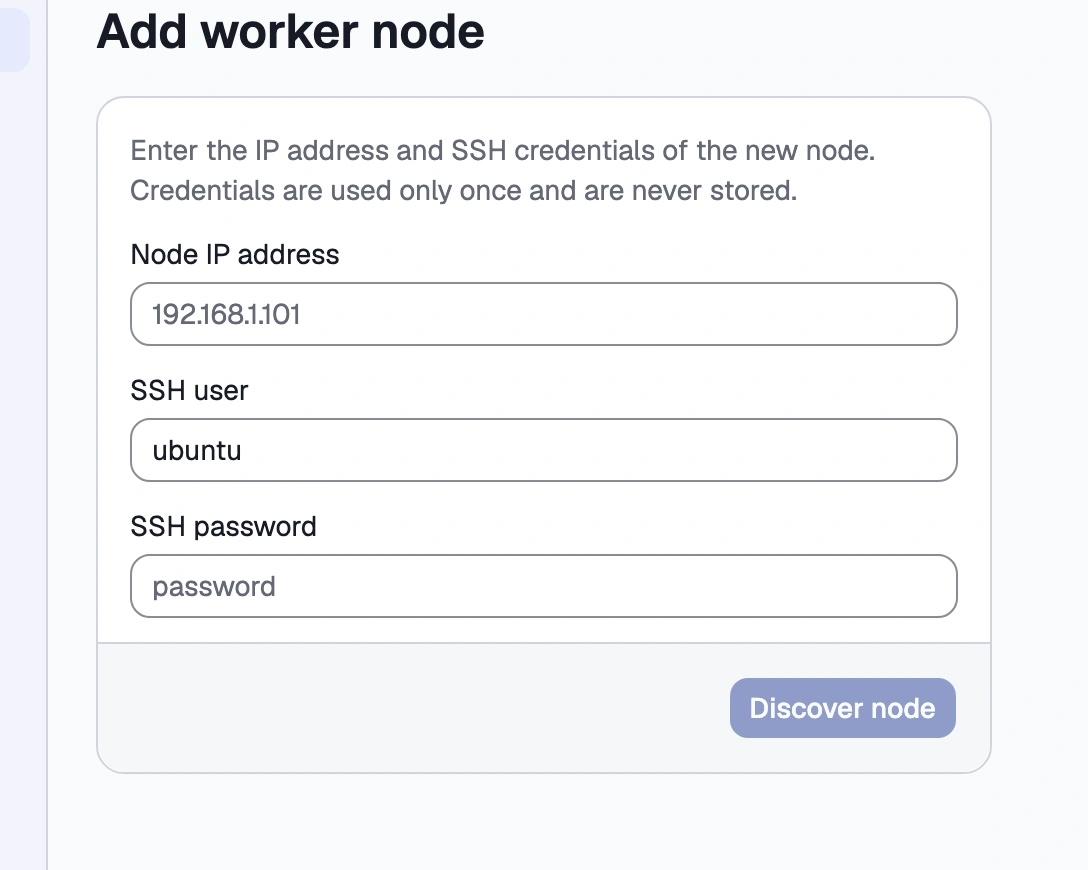
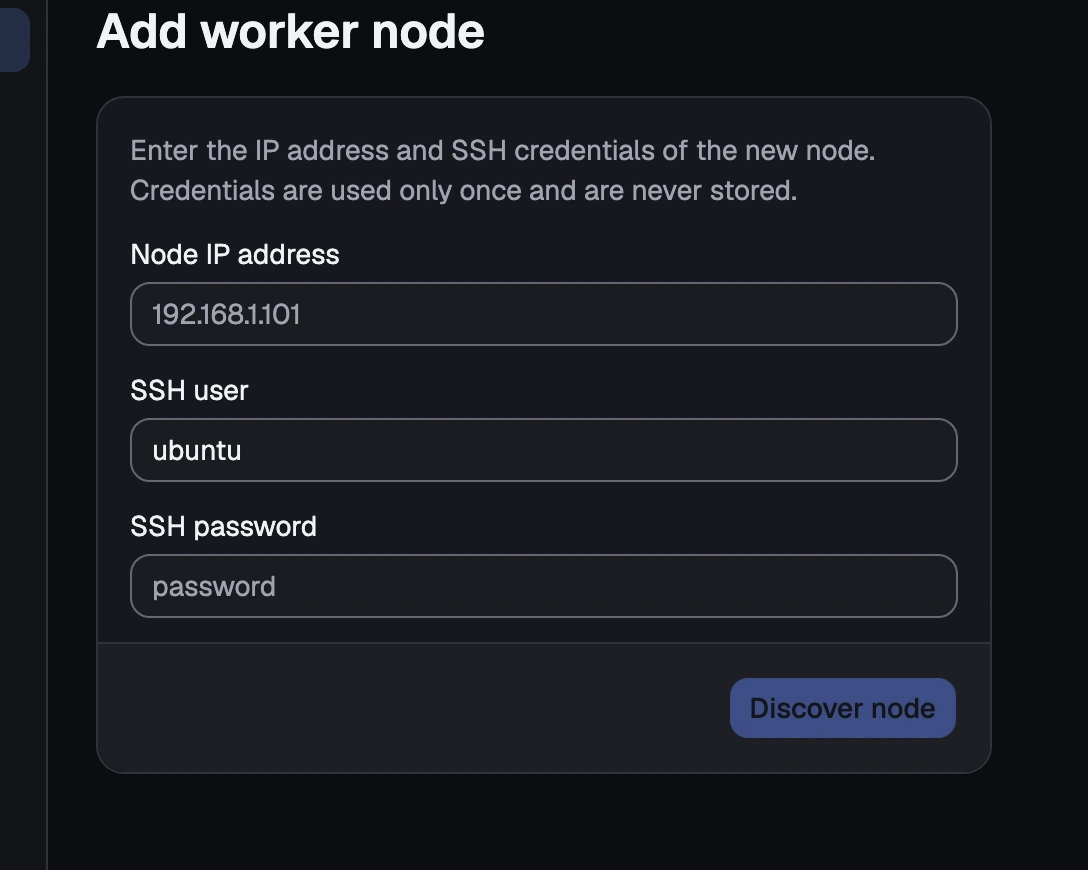
The Nodes screen's Add node form, with the address and credentials fields empty -
Enter the worker’s network address and its SSH sign-in details. These are used once, for this step only, and are never stored afterwards.
-
Review what the panel found about the machine — its name, processor, memory, operating system and disks — and the compatibility check, shown before anything is changed on the worker. If the machine is still starting up and its details aren’t ready to read yet, the panel says so plainly rather than guessing: choose Retry.
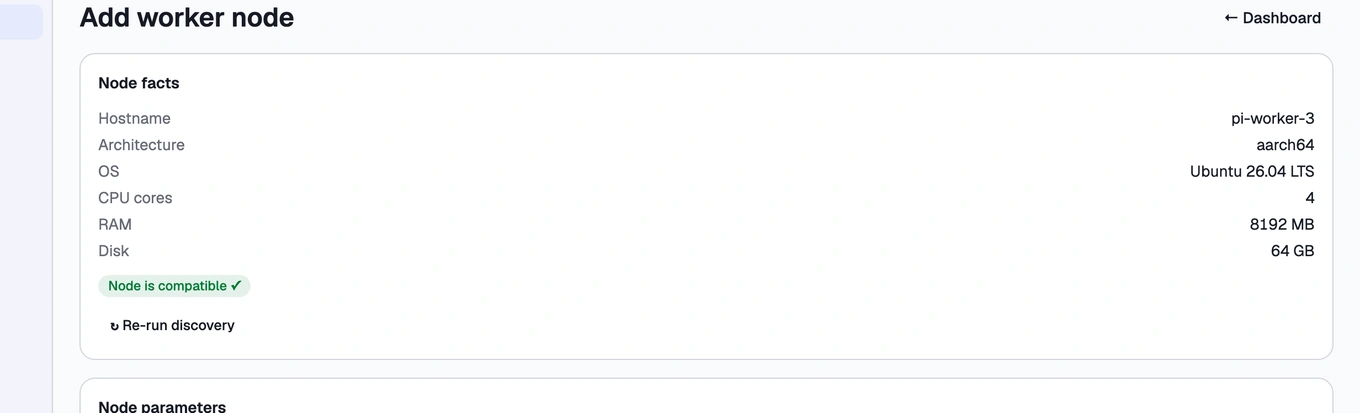
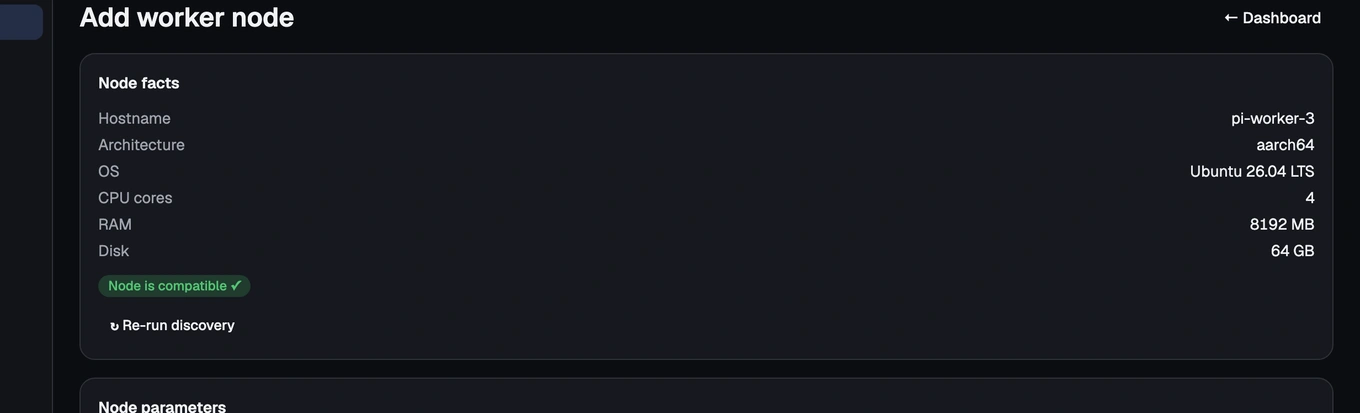
The Add node discovery step, showing the found hardware and the compatibility verdict -
Confirm the setup details — the worker’s name, and whether to let it update its own software first — and start.
-
Watch the live steps run: software update, system settings, the secure connection to the master, then joining the cluster itself.
Once it completes, the worker is part of your cluster and appears healthy.
How you know it worked
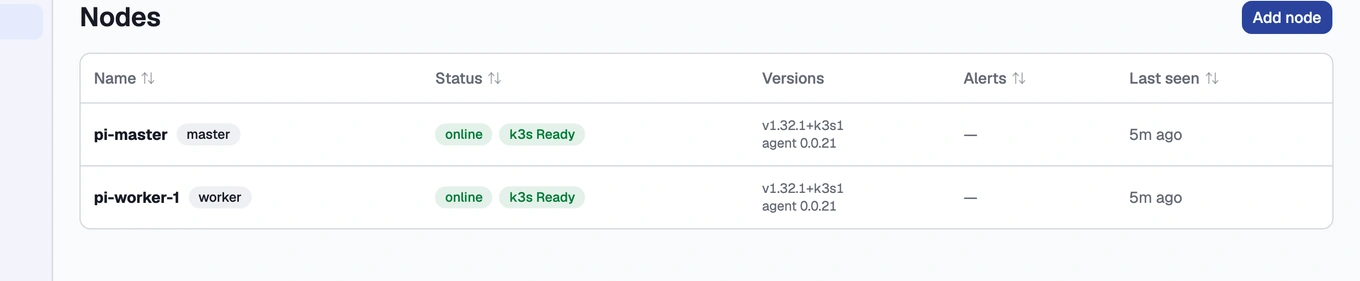
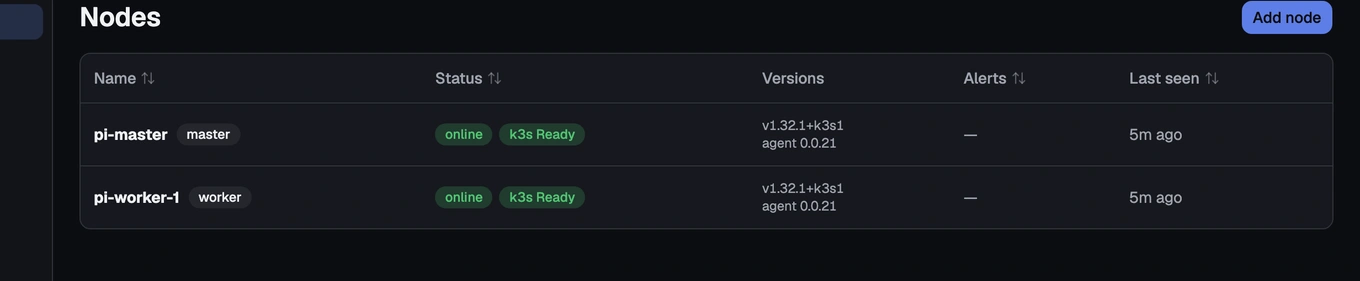
Open Nodes. Each machine shows a live status — Ready or NotReady, and whether its connection to the master is online or offline — refreshed continuously, so you don’t need to reload the page to see a change. If a worker’s connection drops, its status flips to offline shortly after; it flips back once the connection recovers.
What can go wrong
- A worker won’t join
- A node shows as offline / NotReady
See these symptoms in Troubleshooting.
What’s next
Continue to You have a cluster — what next.